
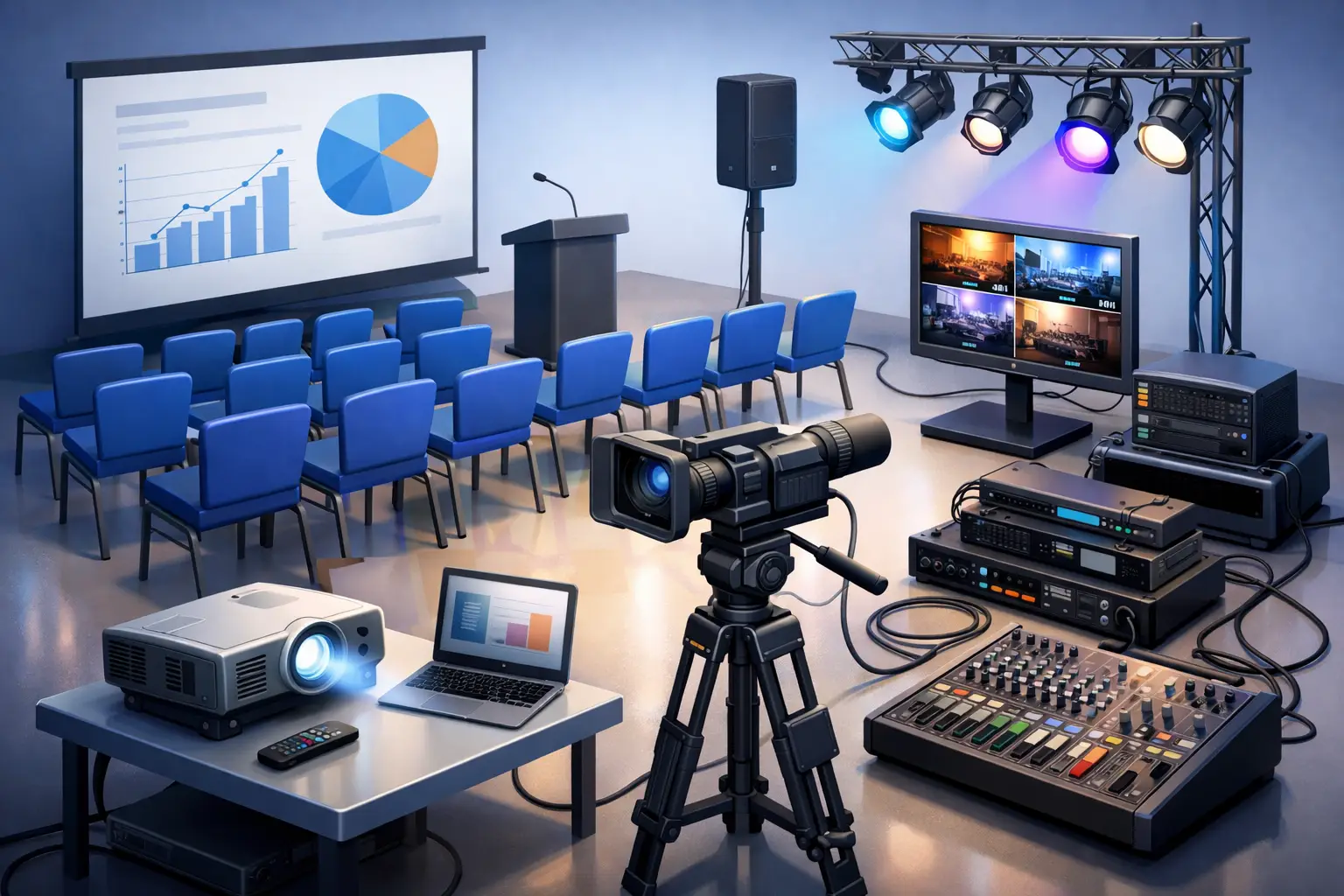
A conference can have an excellent agenda, a strong speaker line-up and a room full of the right people, then still lose momentum because the first presentation cannot be heard. Conference AV equipment hire is not simply a matter of booking a screen and two microphones. It is the technical foundation that lets every guest see, hear and engage with what your event has worked hard to say.
For corporate teams, agencies and venue managers, the goal is not to fill the room with equipment. It is to create a professional environment where the technology feels considered, the stage looks presentation-ready and the programme stays on time. That takes the right equipment, a practical site plan and a supplier who takes responsibility for delivery, installation and pack-down.
What conference AV equipment hire should cover
A conference setup is built around the way information moves through the room. Speakers need to be heard clearly. Slides, video and data need to be visible from the back rows. Panellists need enough microphones to speak naturally, without passing one handheld mic between four people. The room also needs to look deliberate in photos and on camera.
For a small internal briefing, that may mean a presentation screen, projector, lectern microphone and compact speaker system. For a larger conference, the brief may expand to include stage decks, confidence monitors, large-format displays, wireless microphones, audio mixing, LED lighting, branded backdrops and a dedicated technician.
The equipment list should reflect the event format, not a generic package. A keynote-heavy programme has different requirements from a panel discussion, awards presentation or hybrid event. The right solution starts with how many guests are attending, where they will sit, what content is being shown and how the room will be used across the day.
Sound: clarity before volume
Poor audio is usually more damaging than a slightly imperfect image. Guests can tolerate a screen that is a little smaller than expected. They will struggle to stay engaged if the presenter is muffled, the music distorts or questions from the floor cannot be heard.
Wireless handheld microphones suit audience Q&A and roaming presenters. Lapel or headset microphones allow keynote speakers to move freely and keep both hands available. Table microphones can work well for formal panels, while gooseneck lectern microphones provide a clean, fixed speaking position. Your supplier should also consider speaker placement, room acoustics and the need for a mixer to balance multiple audio sources.
Screens, projectors and displays: choose for the room
The size and brightness of a screen or display should be decided by viewing distance, room lighting and content. Projectors can be an effective option in controlled indoor spaces, especially where a large image is required. They are less reliable in bright rooms, glass-walled venues or daytime marquees unless lighting conditions are properly managed.
Large-format displays offer a sharp, bright image and are often a strong choice for conferences held in naturally lit rooms. For bigger audiences, multiple displays can prevent guests at the sides or rear from craning to see the main screen. If presenters are using detailed graphs, spreadsheets or video, screen quality and placement become even more important.
Do not overlook the connections between the presenter’s laptop and the display. Confirm the required HDMI, USB-C or adapter connections before event day, and have a tested backup laptop or presentation file available. Small technical gaps are often what cause the most visible delays.
Plan the room before you confirm the equipment
A site inspection or detailed floorplan saves time, avoids last-minute changes and gives the AV team the information they need to prepare properly. Ceiling height, access doors, available power, loading zones, lift access and the distance from the control position to the stage all affect the setup.
Start with the guest journey. Where do people register? Where do they collect coffee? Which direction will they face when the conference begins? A clear sightline to the stage is essential, but so is enough space for camera operators, technicians and speakers to move without crossing in front of guests.
Stage height is also a practical decision. A low stage may feel appropriate for an intimate leadership session, while a larger audience may need a raised platform to maintain visibility beyond the first few rows. Pair it with appropriate steps, skirting, lectern placement and stage lighting so speakers are visible without feeling exposed.
If the conference includes breakouts, treat each room as its own event. A central keynote room may require a full audio and visual package, while smaller sessions may only need a display, presenter clicker and portable speaker. Matching equipment to each room keeps the budget focused on what guests will actually use.
The operational details that protect your run sheet
Professional AV hire is as much about timing as equipment. Conference schedules often have narrow windows for venue access, bump-in, rehearsals and registration. Delivery needs to arrive when the venue can receive it, and setup must be complete early enough for testing before the first guest walks in.
Ask who is responsible for each stage of the job: delivery, installation, cable management, sound check, speaker briefing, live operation, pack-down and collection. For an event with multiple presenters, videos, walk-on music or live audience interaction, having technical support on site is generally worth the investment. It means one person is actively managing transitions rather than a conference organiser trying to solve a sound issue from the registration desk.
Cables should be secured and positioned with both safety and presentation in mind. Loose leads across walkways are a trip hazard. Untidy cables around the lectern or stage can distract from an otherwise premium setup. Good installation keeps technical infrastructure out of sight where possible, without making it difficult for technicians to access.
Power planning deserves the same attention. Avoid relying on a single overloaded outlet or assuming every venue floor box is suitable for your needs. Large displays, projectors, sound systems and lighting can place real demand on available power. Your event consultant should confirm what is required well before bump-in.
Build in redundancy where failure is costly
Not every event needs duplicate equipment. A small team meeting may be comfortable with a simple setup and a little flexibility. A shareholder update, national sales conference or client-facing product launch is different. When the programme is high profile, the cost of a technical interruption can outweigh the cost of backup planning.
Consider contingency for key elements: a spare microphone, additional presentation adapter, backup playback device and duplicate copies of video content. If a remote speaker is joining the programme, test the internet connection and platform in the actual room, not only from an office desk. Venue Wi-Fi can vary significantly once a room is full of guests using mobile devices.
A final technical rehearsal is particularly valuable when speakers have complex slide decks, embedded video, live demos or unfamiliar equipment. It gives the presenter confidence and gives the technician time to spot issues before they become part of the live programme.
Create a conference setting that looks as good as it sounds
AV equipment should support the visual standard of the whole event. A screen, stage and speaker system sitting in an otherwise empty room can feel temporary. Add considered furniture, stage lighting, drape, a branded backdrop or an appropriate lectern, and the room immediately feels more purposeful.
Lighting is often underestimated. Even modest stage wash lighting can improve speaker visibility, photography and video content. Decorative lighting can also help separate the conference space from catering or networking areas, particularly in large halls, warehouses and marquee structures.
The key is restraint. Over-lighting a corporate presentation can be distracting, while too little lighting can make the stage flat and difficult to photograph. The best result suits the brand, venue and purpose of the gathering rather than following a one-size-fits-all production style.
Work with one accountable event partner
Managing furniture, staging, AV, lighting and delivery through separate suppliers can create unnecessary gaps in responsibility. If access changes, a stage position moves or the room layout is revised, the practical effect reaches every part of the setup.
Zero Three Party Hire helps bring those elements together with itemised quoting, a dedicated event consultant, professional delivery, on-site installation and collection after the event. You know what has been approved, who is responsible for the schedule and what the room should look like when doors open.
When requesting a quote, provide your date, venue, guest numbers, room dimensions where available, programme outline and any speaker or content requirements. The clearer the brief, the more accurately the equipment can be matched to your conference and budget.
A well-run conference does not make guests think about cables, speaker levels or screen connections. It gives them a clear view of the ideas in front of them and the confidence that every detail has been handled.
One Comment
[…] another for speeches, and a practical arrangement for a musician or celebrant earlier in the day. A corporate conference with a moderator and three panellists needs a different approach again, particularly if presenters […]